Follett Destiny® Cloud
Destiny Cloud is a Follett hosting service for Destiny. Using Follett's secure network frees your district of the following:
- Backing up data
- Performing upgrades and auto-updates
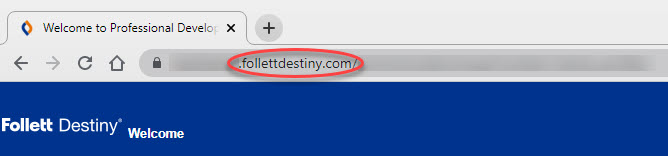
If you are a Destiny Cloud customer, you will see follettdestiny.com in your Destiny URL.
Update Records
Because Destiny is completely browser-based, you can set up your library, circulate materials, and generate reports from virtually anywhere.
To build and update your database, Destiny provides more than one method. Choosing the best method depends on the number of patron records you have and the size of your collection.
|
Note: Except for the location of the server and the methods for uploading files, Destiny Cloud for your Resource Manager edition is identical to any other. |
For records you add manually, use Destiny as usual, working within the application.
If you upload XML files and want to automate the process, download the command line utilities needed to upload the XML files to the Follett server, and then configure a Windows® Scheduled Task.
Command line utilities are available for the following updates:
- Patrons in all Resource Manager editions
- Class information and their textbook associations in Textbook Manager
- Textbook transfers in Textbook Manager
- Importing and exporting resources in Resource Manager
- Importing and exporting fines information in Library Manager, Textbook Manager, and Resource Manager